
Companies that work with Dynamics NAV or Dynamics 365 Business Central On-Premises and assess the advantages of upgrading from older systems to Business Central SaaS most of the time base this assessment on the companies’ functional requirements and the solutions’ capabilities at a certain moment in time.
This is a natural line of reasoning, but the assessment should also take into account the benefits for those responsible for database administration. First — and this is the main difference — in Microsoft’s Cloud, the exclusive responsibility for data integrity lies with Microsoft. On the other hand, in On-Premises versions, the customer is solely responsible for data integrity and database management.
What does this mean? It means that you must always have a well-defined Microsoft SQL Server backup and restore policy in place, which requires significant resources, regardless of whether this is handled by your internal IT team or outsourced to a third party.
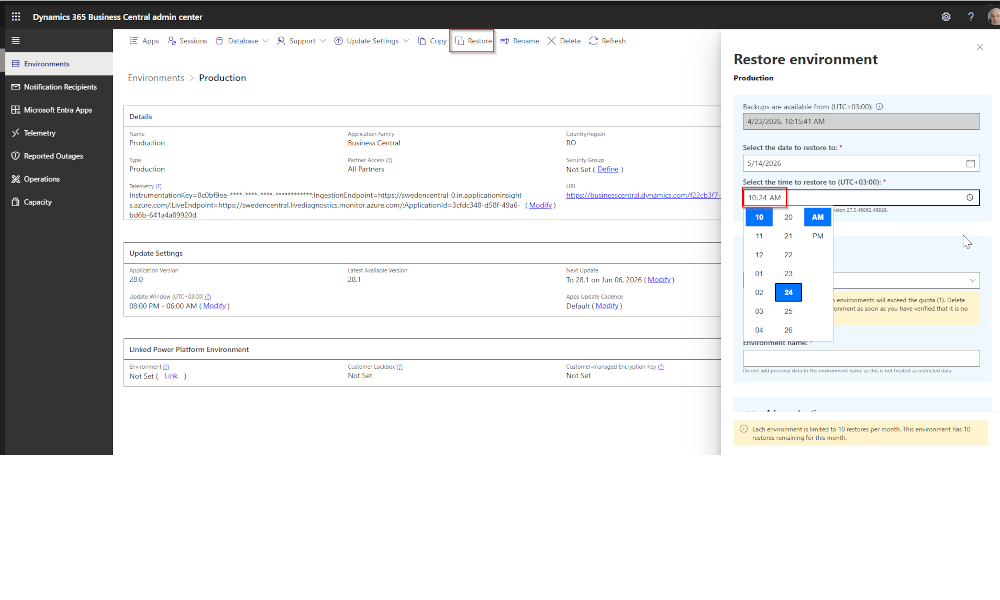
Now, let’s look at how this works in Dynamics 365 Business Central SaaS. As a SaaS customer, you automatically get one Production environment and three Sandbox environments out of the box.
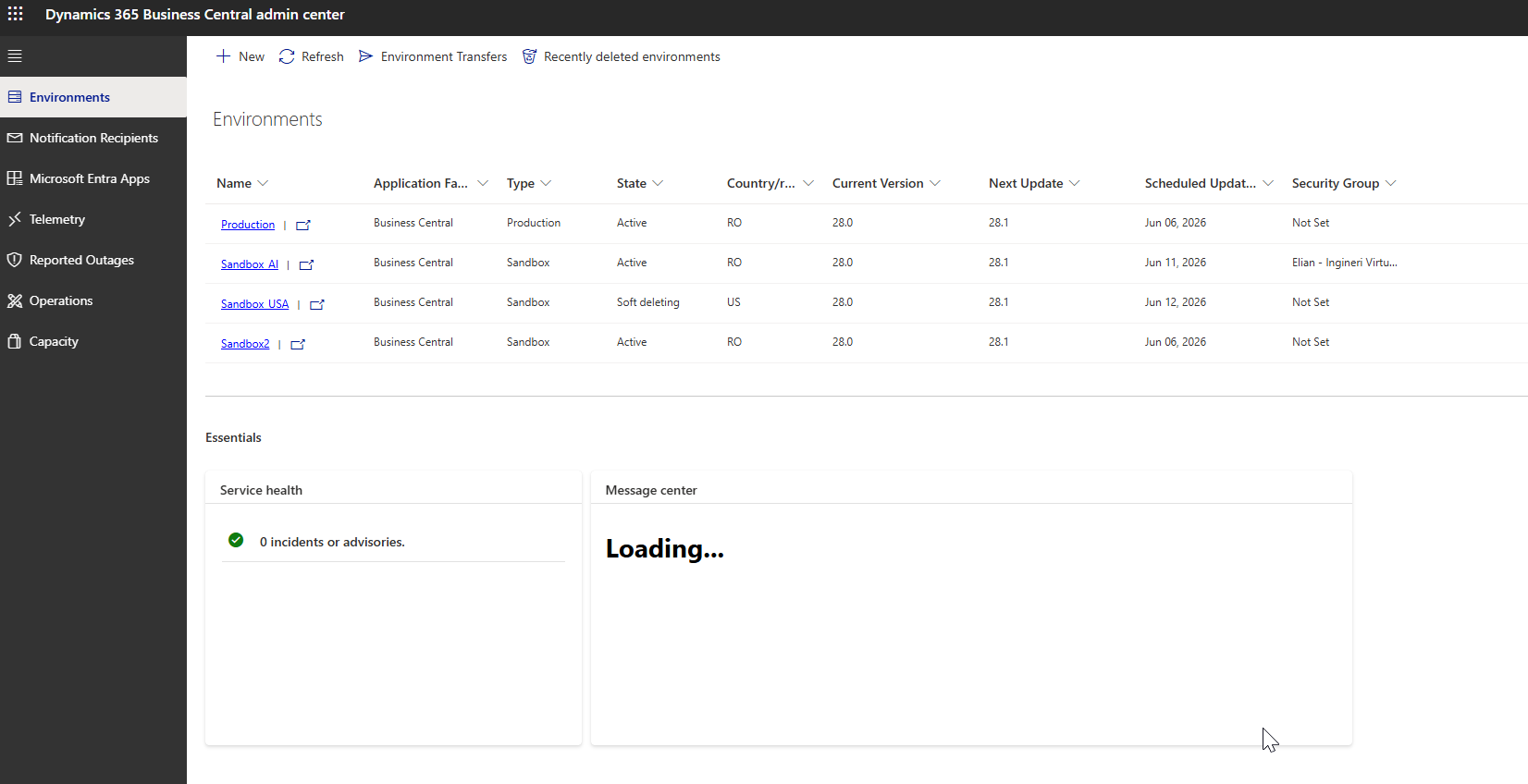
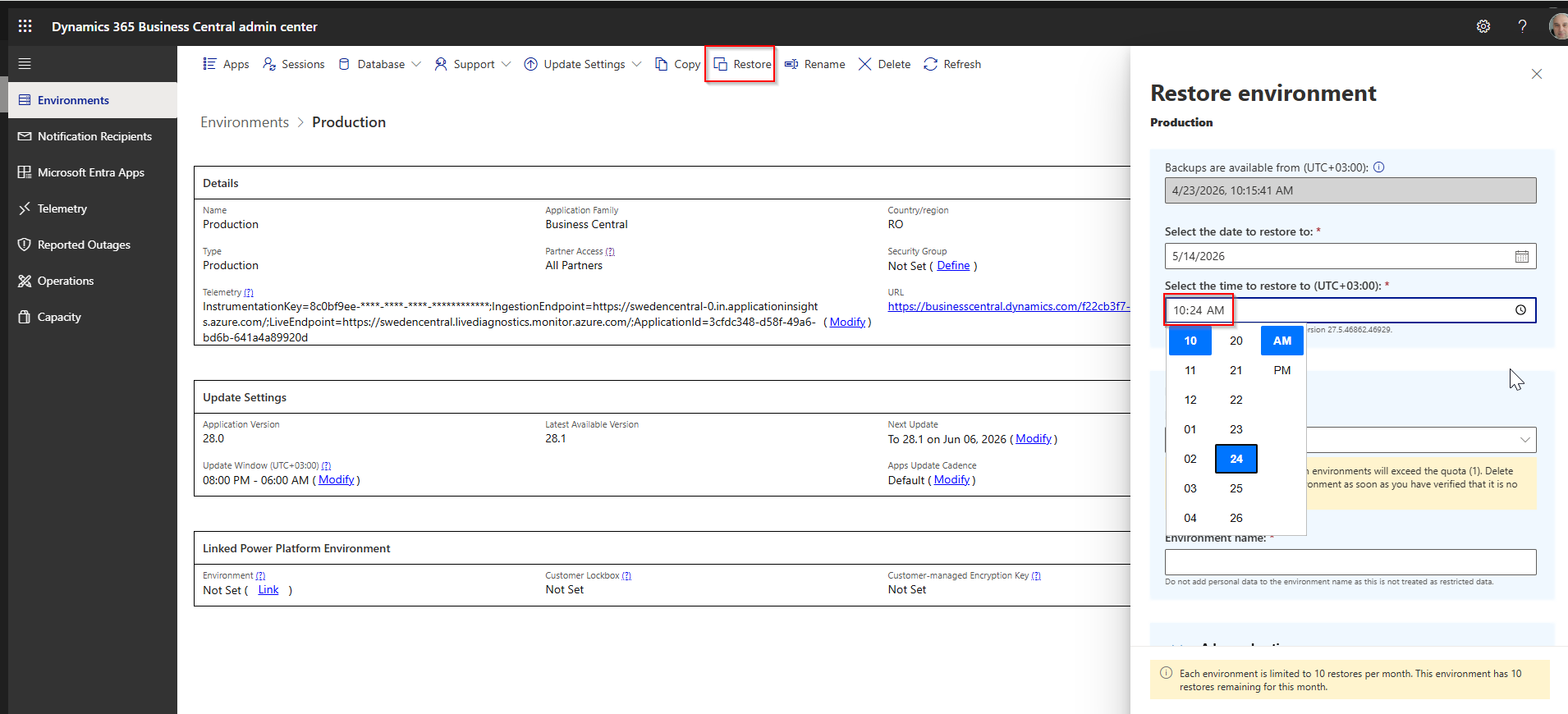
Database backups for these environments are handled automatically, and for the last 30 days it is possible to restore the database with a very high level of granularity — down to the day, hour, and minute.
Let’s consider the following scenario. Due to a major error, a user deletes a large number of documents or posts many incorrect transactions on 14.05.2026 at 10:25 AM. How can this be resolved? By restoring the database to its state at 10:24 AM on 14.05.2026. The solution is only a few clicks away.
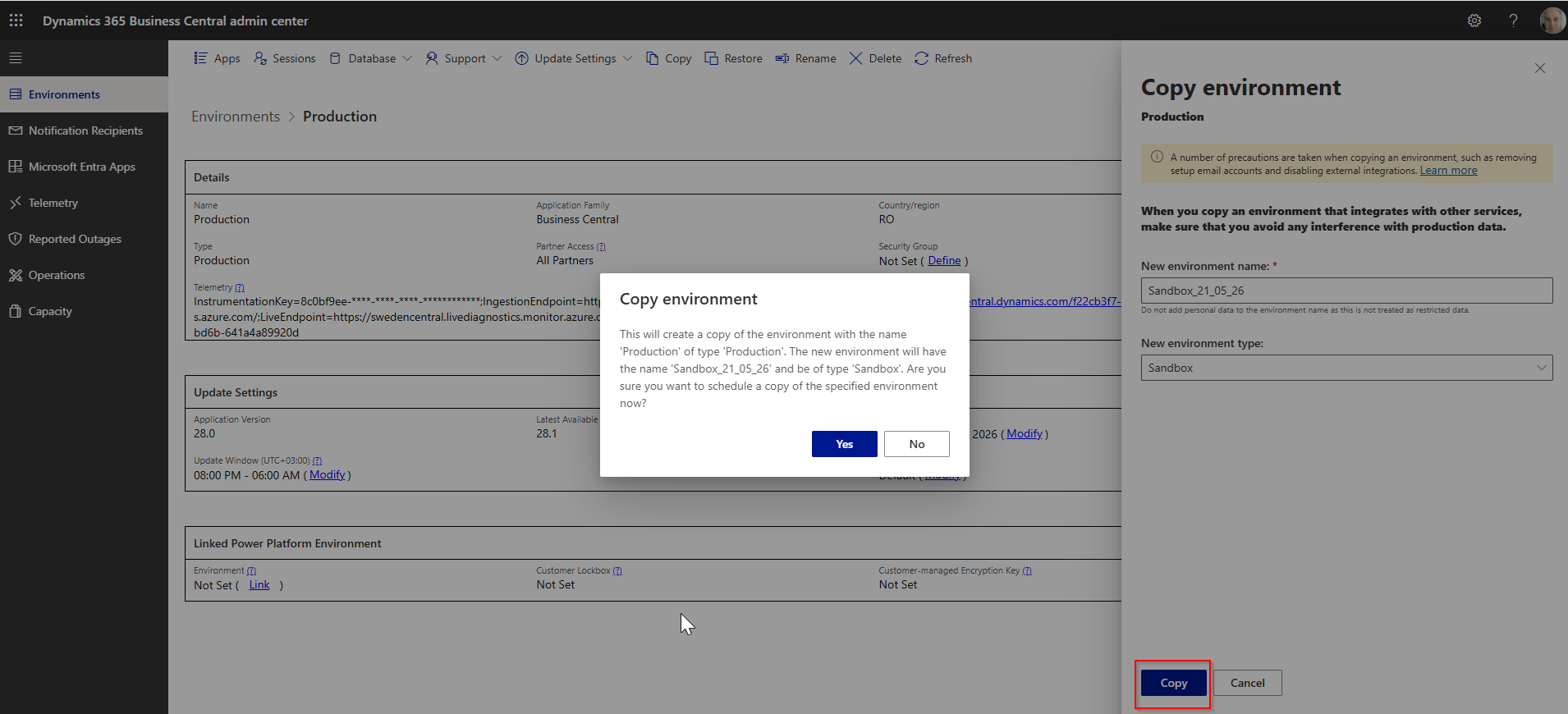
Creating a Sandbox environment is equally easy. Let’s assume we need a copy of the production database in order to test a new workflow. Again, the solution requires just a couple of clicks.
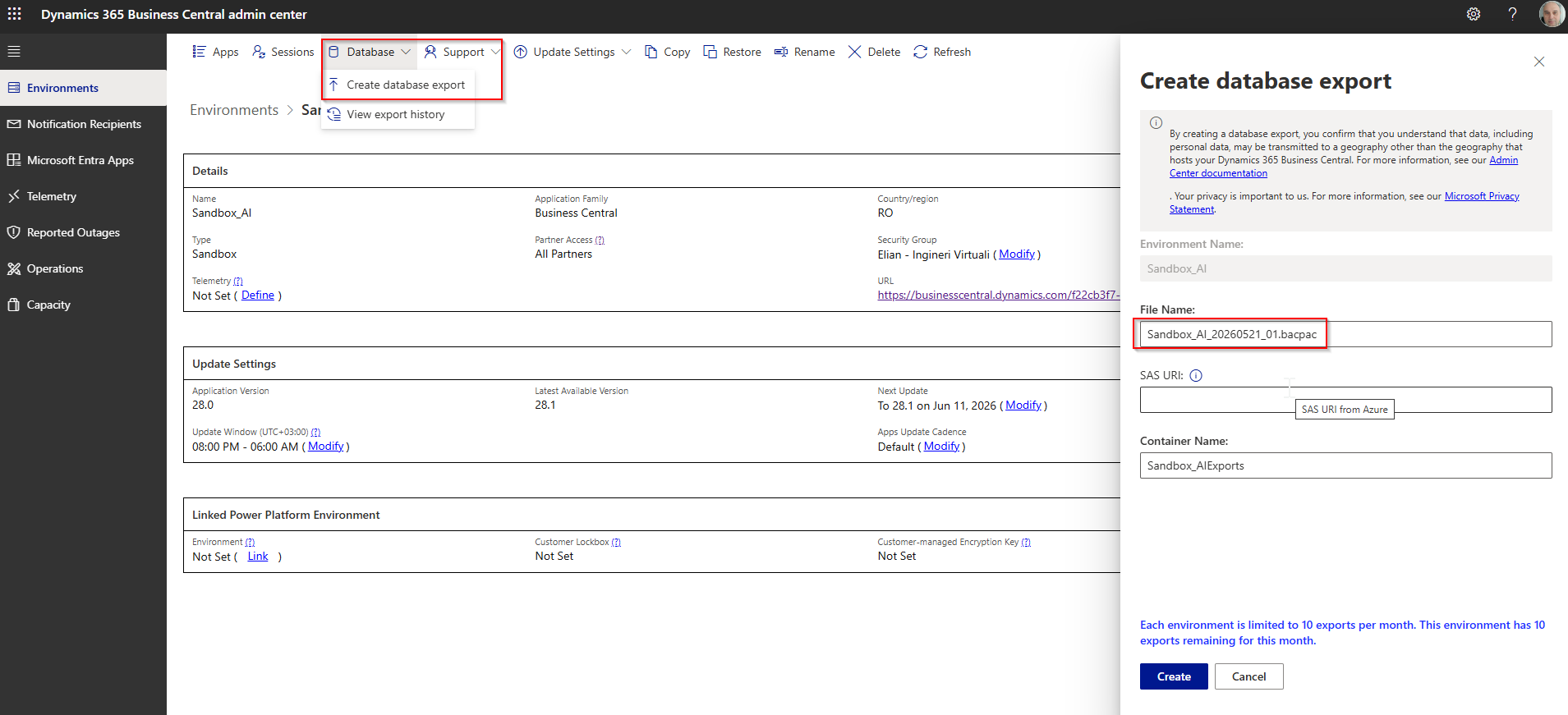
Automatic backups do not prevent you from creating manual database backups if needed. To do this, you must create a BACPAC file in an Azure Blob Storage container. Once the data is stored there, it can be transferred anywhere..
In conclusion, when weighing whether to remain on an older Dynamics NAV/Business Central On-Premises system or move to Business Central SaaS, also consider the fact that, in SaaS, your data is fully protected and you can avoid potential disasters that could affect data integrity. In addition, your database administrators will have a much easier job.
ELIAN Solutions has been active since 2008 as an implementer of Microsoft Dynamics 365 Business Central . With a team of over 80 specialists and a portfolio of more than 400 clients, ELIAN Solutions is one of the leading ERP partners.