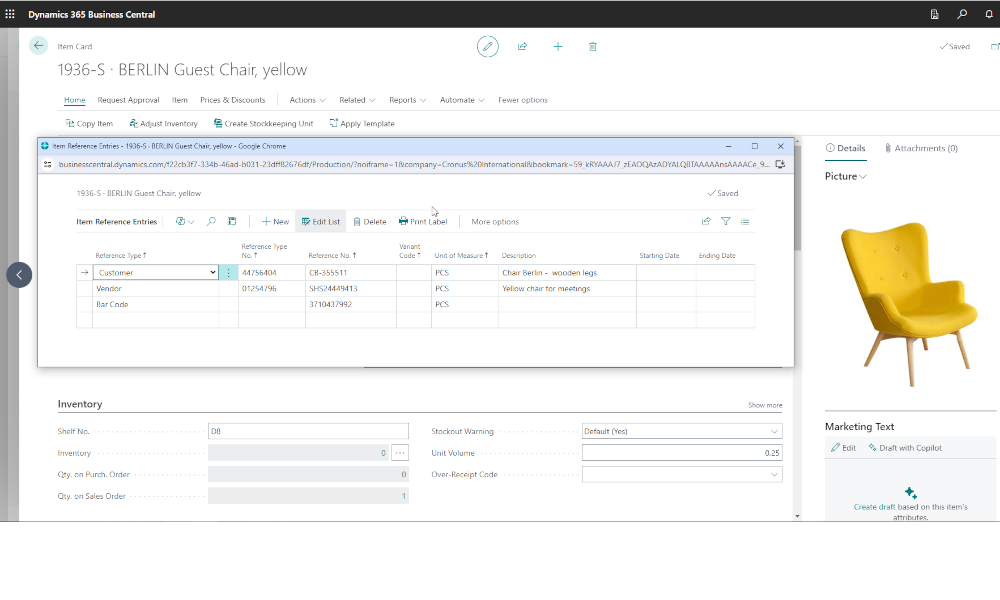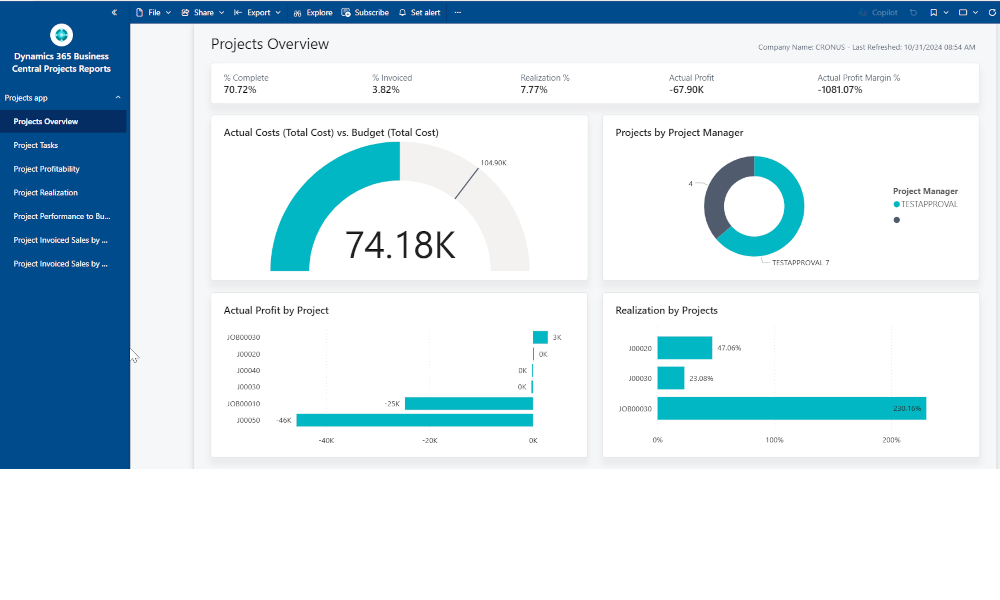
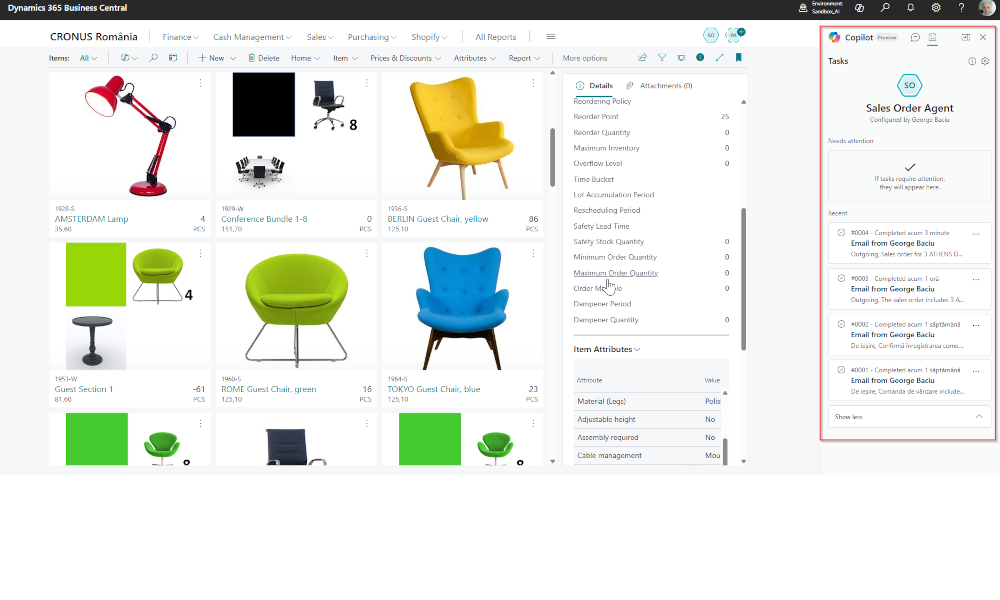
The AI-based Sales Agent in the Dynamics 365 Business Central ERP system functions as an application that monitors customer requests for quotation (RFQs), checks inventory availability, communicates with customers in natural language, and creates sales quotes and sales orders in the system. It can operate either fully autonomously or with human involvement—when an employee reviews and validates the agent’s actions. Below, we will show how this agent works in Business Central, assuming that the employee will review each individual action.
First, the Sales Agent is configured to monitor an email address where customers can send RFQs. For example, a customer might send the following request for quotation to that address:
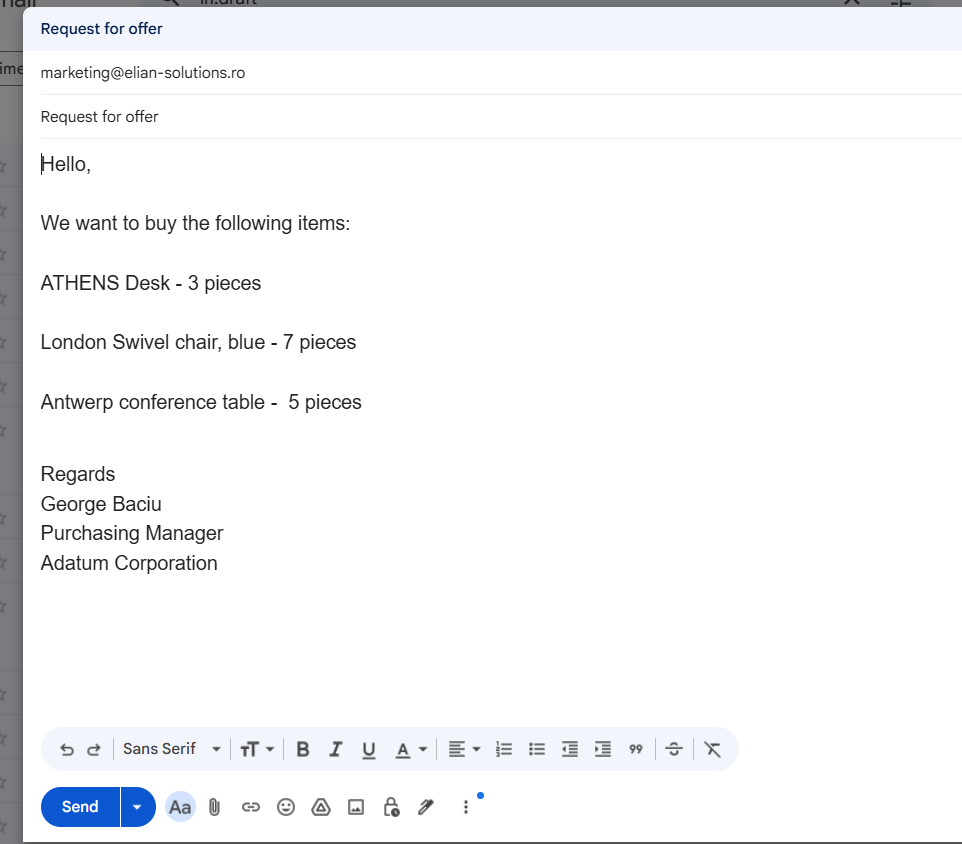
In Business Central, the AI Sales Agent will identify this message as a request for quotation.
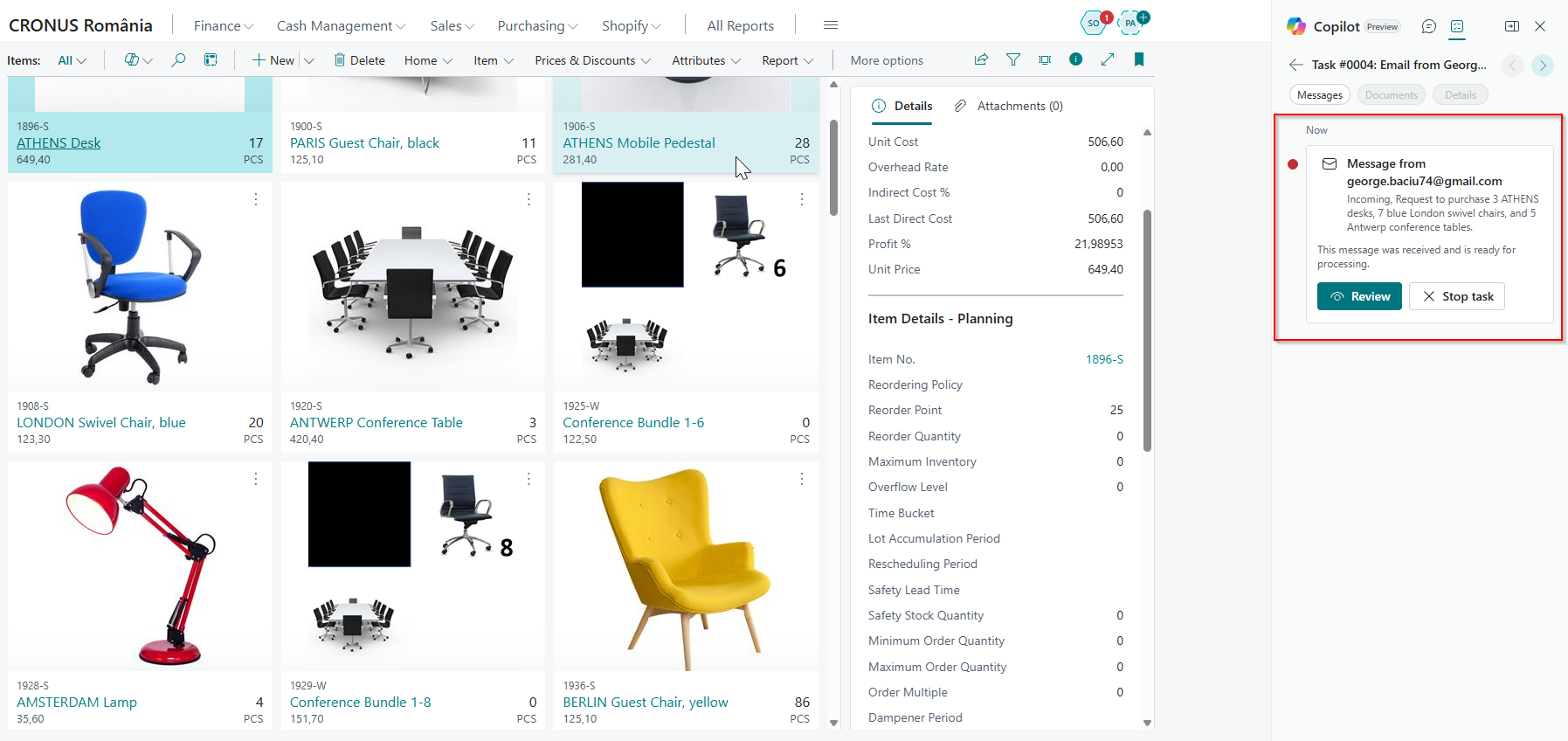
The details regarding the requested items may not only be in the body of the email but also as an attached PDF or an image file—the agent can extract and interpret the information.
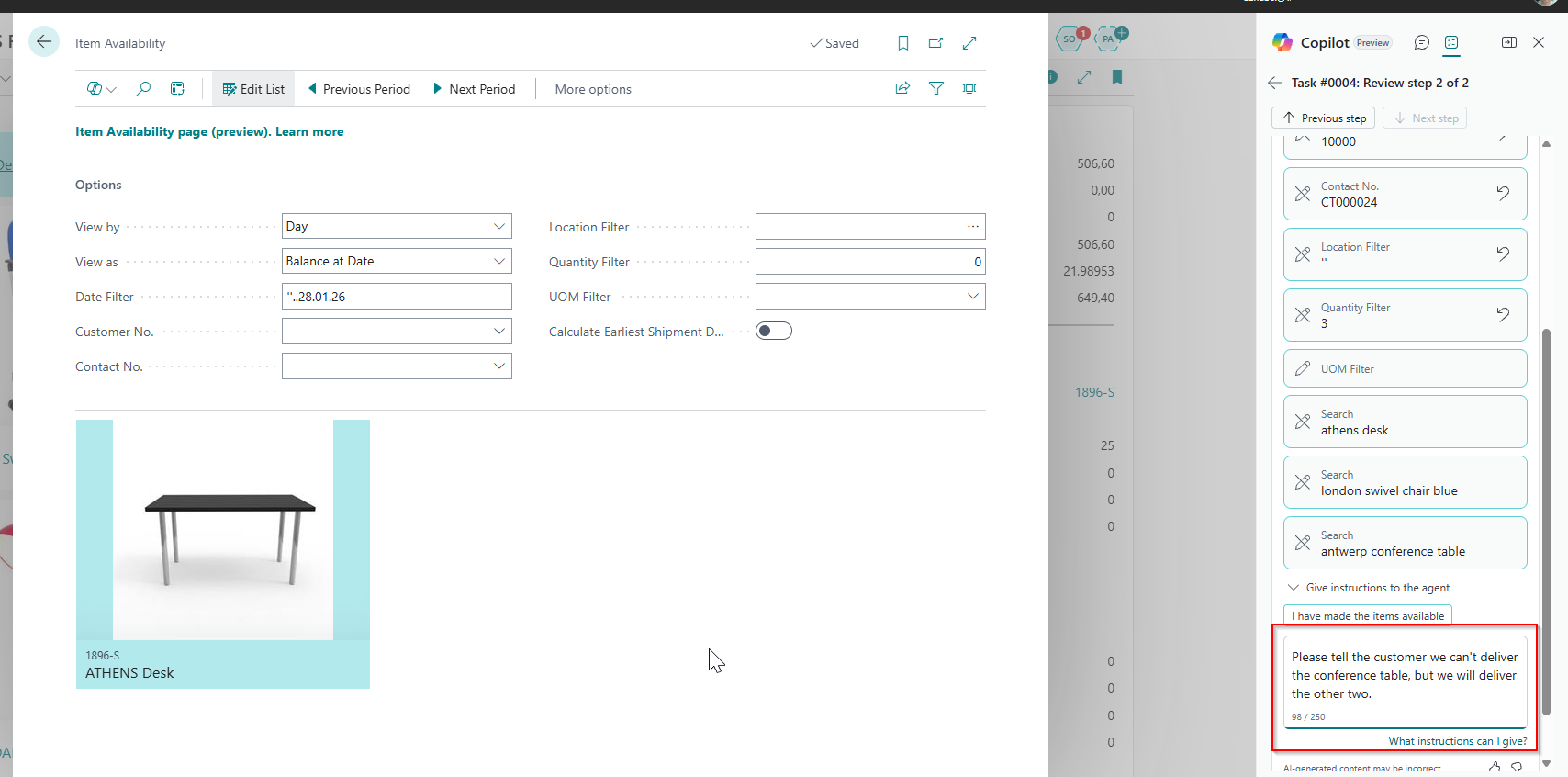
In this scenario, the RFQ refers to three items. The agent successfully identifies the items, checks availability, and finds that one of them is out of stock. As mentioned earlier, we have configured the agent to always request human feedback, so in this case, it will wait for the operator’s instructions on what action to take next.
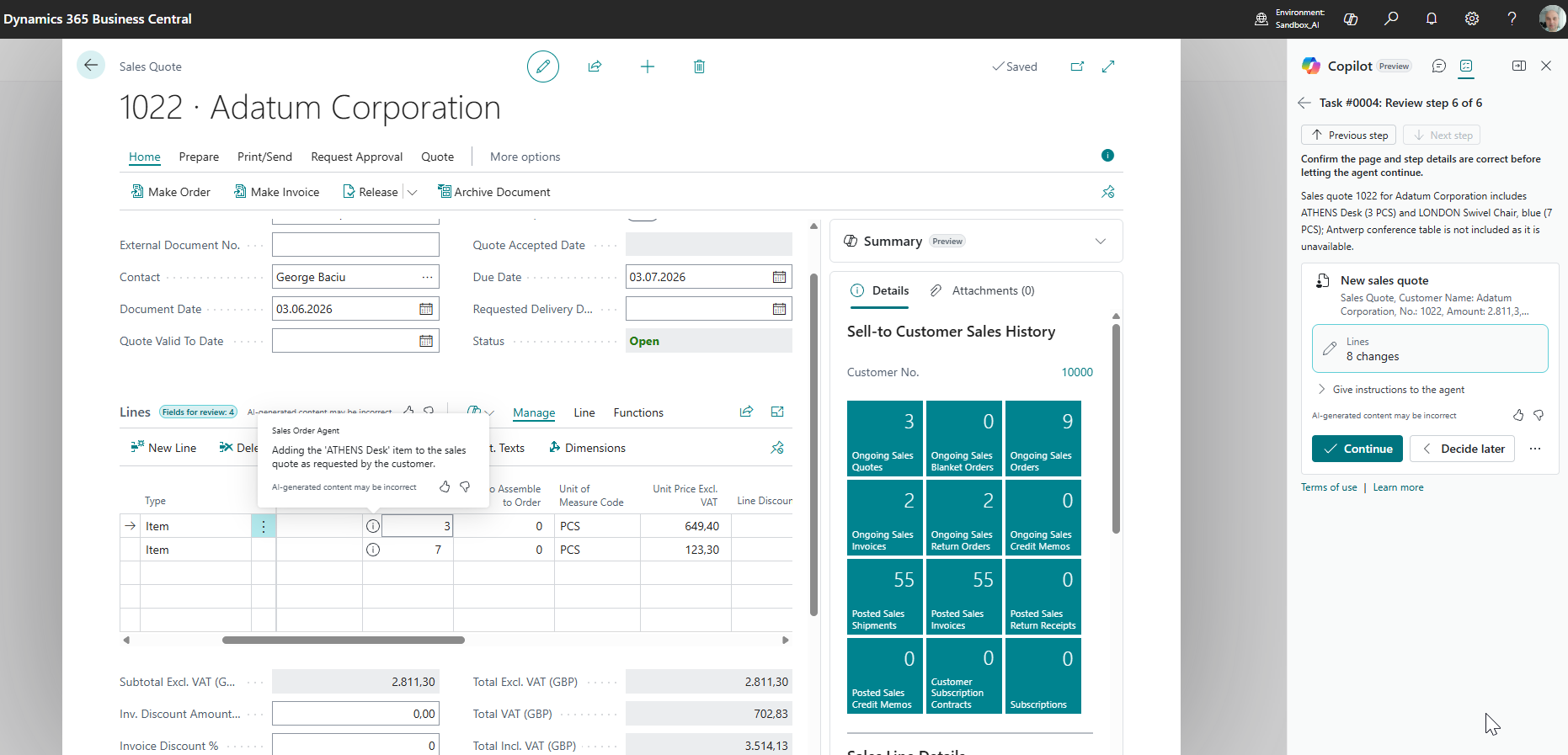
In the next step, the sales quote is created by the agent and validated by the user:
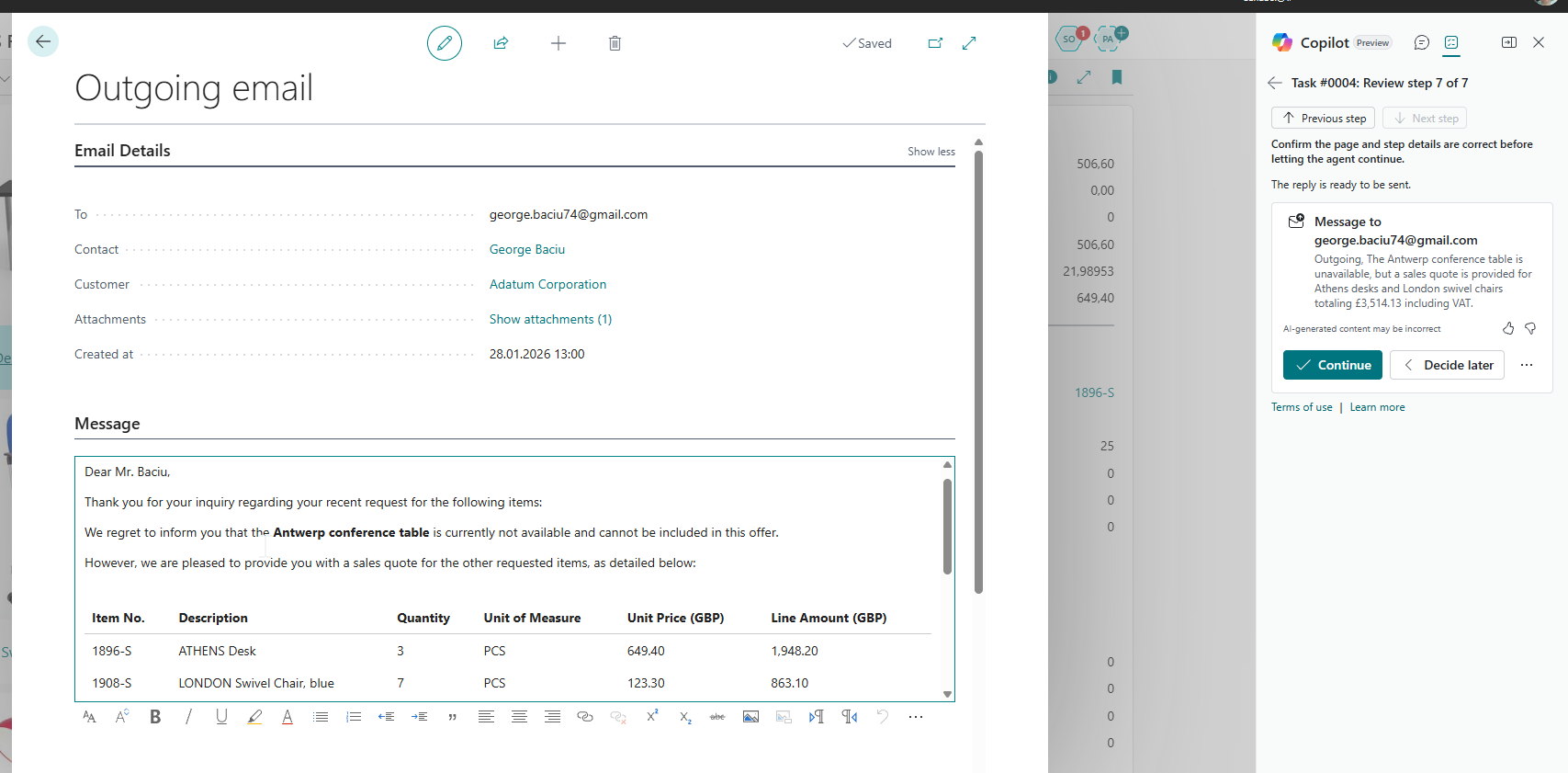
Then, the sales agent prepares the communication for the customer. Again, the human operator can review and revise the communication.
The customer agrees to the terms of the sales quote and requests to proceed with the sales process:
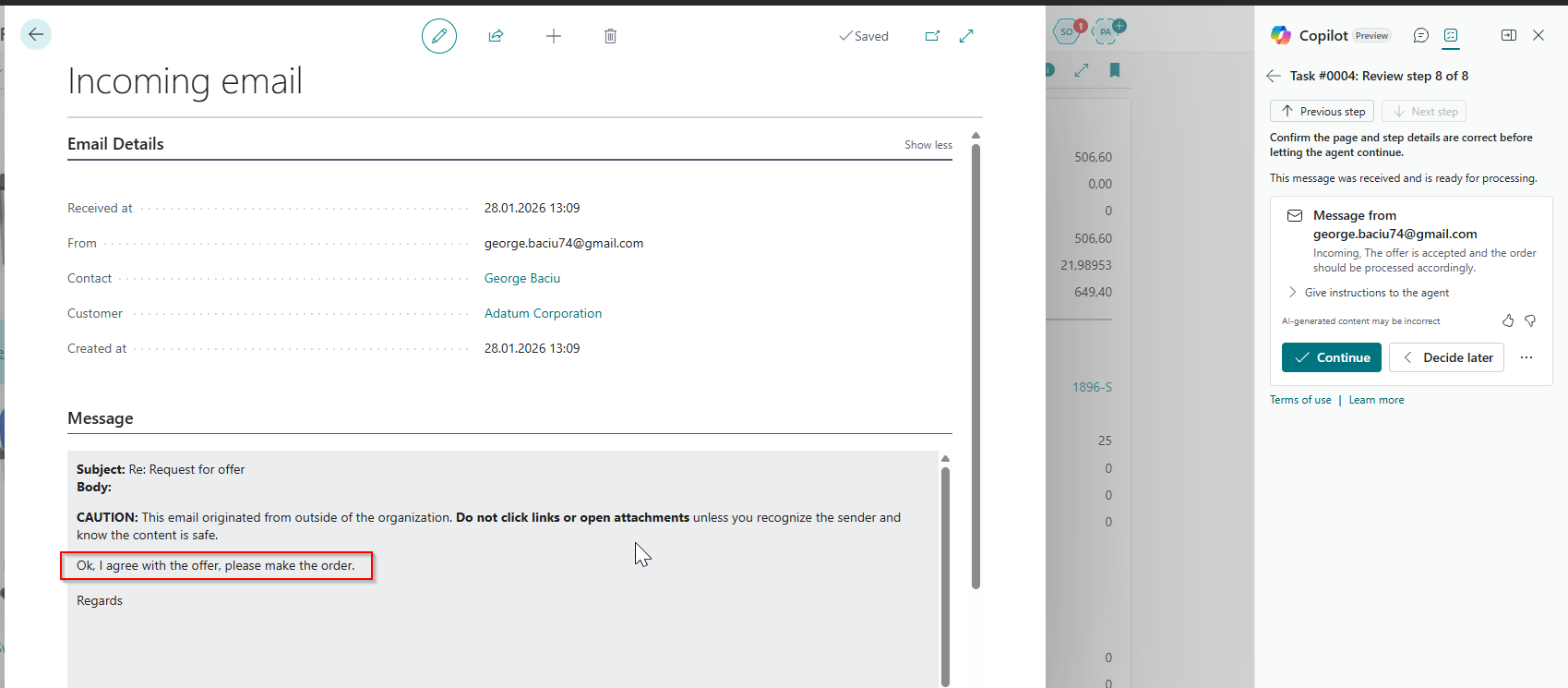
The AI agent creates the sales order in the system and sends the customer a confirmation message. When the agent creates documents in Business Central (sales quotes and sales orders), it always sends them to the customer as attachments.

The scenario above illustrates a relatively simple use case, but in practice, the agent can support more complex communication with the customer. For instance, it can process a request to deliver an order to a specific address provided by the customer, different from the one on the customer card. The agent’s behavior is flexible—the degree of human operator involvement can be adjusted through configuration settings.
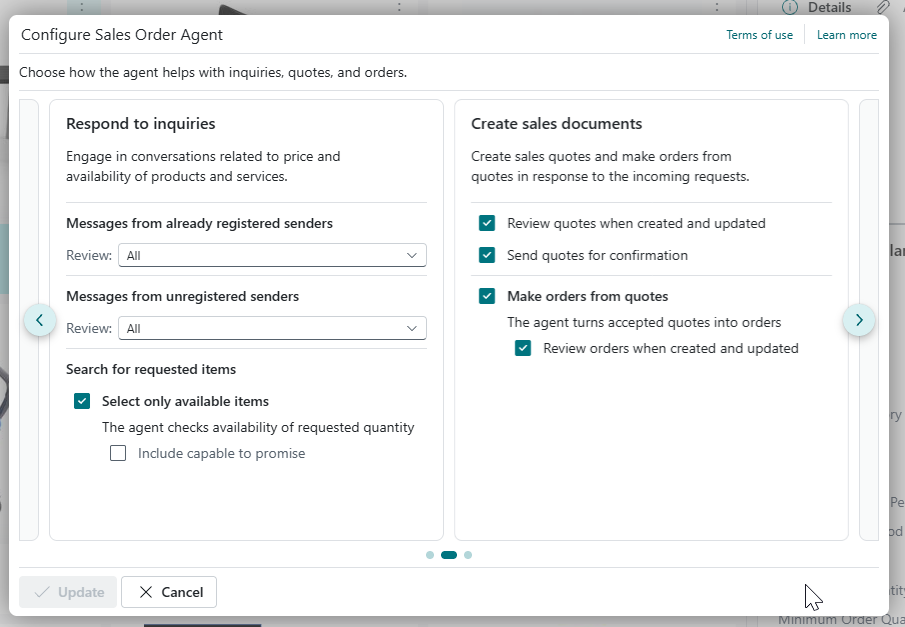
However, given that the technology is still in its early stages, we recommend initially using the agent with maximum human involvement, and then gradually phasing out the reviews and validations until safe and fully autonomous operation can be achieved.
Elian Solutions is part of the Bittnet Group, active for over 15 years as an implementer of the Microsoft Dynamics 365 Business Central ERP system. With a team of over 70 employees and a portfolio of over 250 clients, Elian Solutions is one of the key Microsoft partners for ERP systems.